
TL;DR:
A Google Ads scam typically works one of four ways: someone calls or emails pretending to be a Google rep and asks for your password or payment. A phishing email that looks like it’s from Google, but the link takes you to a fake login page. An unsolicited request to link your account to someone else’s Manager Account (MCC). Or a competitor bidding on your own branded search terms and running a fake ad. Red flags: no real Google rep will ever ask for your password, verification codes, or payment over the phone. If something feels off, don’t click the link, don’t grant access, and report it directly to Google instead of responding to the outreach.
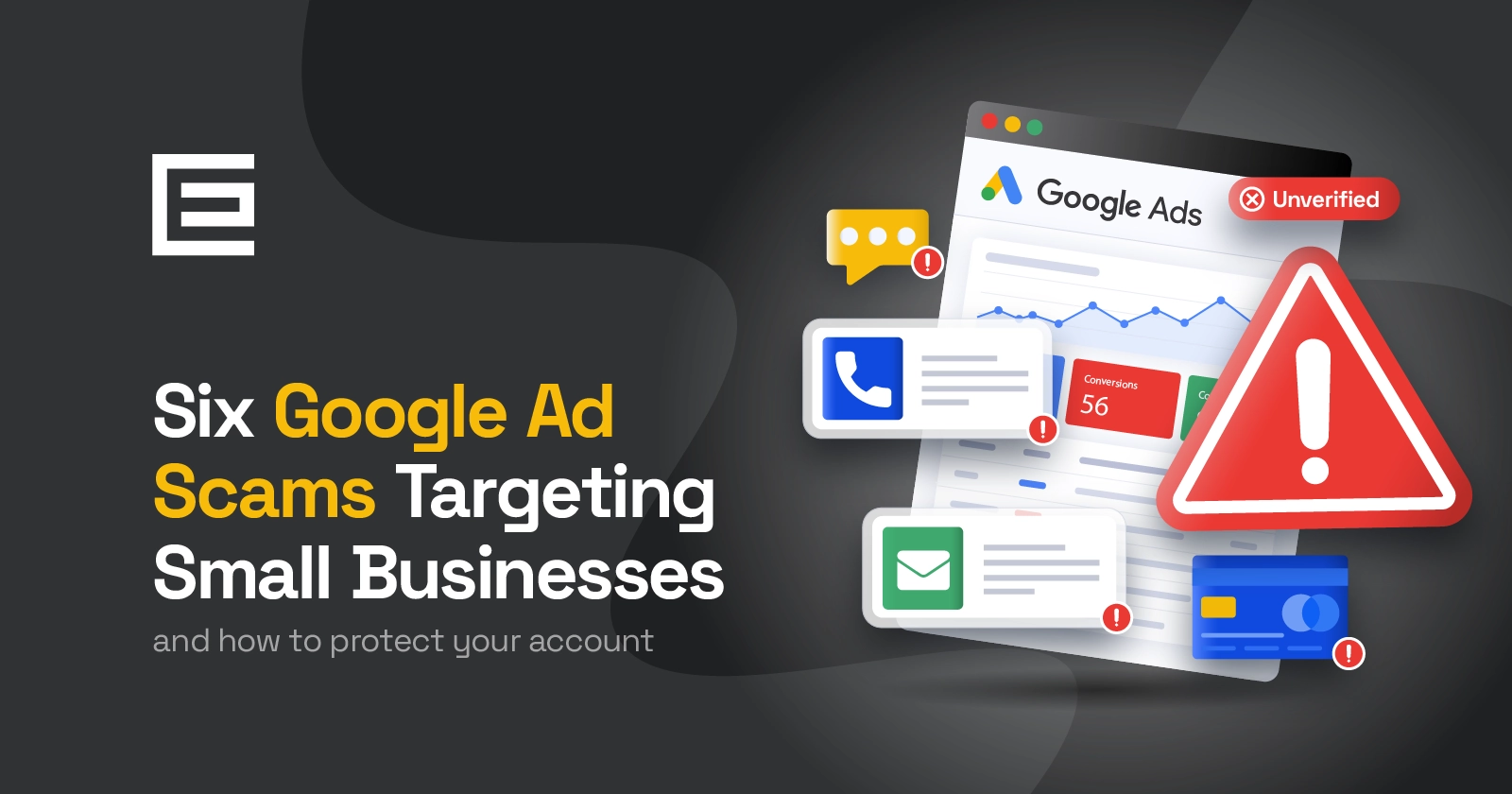
If you manage Google Ads for your business, you’ve probably gotten a call or email that felt slightly off. Someone claiming to be “from Google,” offering a free account audit, or warning that your ads are about to stop running unless you act right now. A Google Ads scam usually follows one of a few familiar playbooks, and small businesses without a dedicated PPC team tend to be the most frequent targets.
Why Google Ads Scams Are Growing
Google suspended 39.2 million advertiser accounts for policy violations in 2024, up from 12.7 million the year before. While improved AI detection helped identify more bad actors, the increase also reflects a growing volume of fraud. More than 700,000 accounts were suspended for AI-driven impersonation, and although Google blocked over 5 billion harmful ads, malicious advertising still increased 10% year over year. In short, Google’s enforcement is improving, but so is the scale of fraudulent activity.
Here’s something worth paying attention to: in early 2026, Google started proactively emailing advertisers urging them to set up passkeys, specifically because account takeover attempts had picked up so much. When Google itself starts sending warning emails, that tells you something about where things stand.
The Fake Google Rep Call or Email
The fake “Google rep” call or email is one of the most common scams. It works because Google does have legitimate account strategists who sometimes contact advertisers, making it difficult to tell the difference.
The biggest giveaway is what they ask for. A real Google representative will never ask for your password, verification codes, or payment over the phone. They also can’t guarantee a #1 ranking or top ad placement. Scammers often create a sense of urgency, claiming your account has an issue, your ads are about to stop running, or you’re losing money every minute you wait.
Phishing Emails Disguised as Google Notifications
One of the fastest-growing scams, especially for agencies and anyone managing multiple accounts. These emails often look legitimate (billing alerts, account invitations, or partner verification requests) but the links lead to fake login or approval pages.
What makes them dangerous is that they don’t always ask for your password. Instead, they trick you into approving account access through what appears to be a normal Google workflow. By the time someone notices unusual spending or campaign changes, the attacker may already have access.
The best way to avoid this is simple: never approve account access through an email link. Instead, log in to Google Ads directly and check for pending invitations or notifications there.
Unsolicited Manager Account Requests
Another common scam involves unsolicited requests to link your Google Ads account to someone else’s Manager Account (MCC). The scammer often poses as a Google Ads expert, freelancer, or consultant offering a free audit or account optimization. They may ask for what they describe as “read-only” access, but instead request admin permissions or ask you to link your account to their MCC.
Once they have administrative access, they can make changes to your campaigns, increase budgets, create fraudulent ads, remove legitimate users, or even lock you out of your own account. In some cases, accounts have been used to run scam campaigns until Google suspends them.
The best defense is to only grant account access to people or agencies you know and trust. Before accepting any invitation, double-check the permission level being requested and verify who is sending it. If you’re ever unsure, decline the request and have the person send it again after you’ve confirmed their identity.
Fake Ads Bidding on Your Business Name
Scammers also just buy ads outright, sometimes outbidding the real business for its own branded search term, and run a sponsored result that looks completely legitimate. Click it and you land on a convincing fake site built to steal a card number or login. This has happened to airlines, software companies, even a campaign impersonating Google Ads itself convincingly enough that researchers called it one of the worst they’d tracked.
Worth mentioning to small business readers specifically: this can happen to you too. Someone can bid on your own business name and run a fake ad pretending to be you, which is both a fraud problem and a reputation problem you may not find out about until a customer complains.
How to Catch It Early
Here’s the thing: one of the simplest defenses most people miss is just reading their own Google Ads report. A sudden spend spike, an unfamiliar campaign, or a location targeting change you didn’t make will show up in your ads report before anything else tips you off. Most business owners only open their ads report to check cost per lead, but that same report is your earliest warning system for fraud.
If you’re not already checking your ads report on a regular basis, watch for a few things each week: unexplained jumps in spend, new campaigns or ad groups you don’t recognize, changes to your billing details, and new users added to the account. A basic Google Ads reporting tool, whether that’s Google’s dashboard or a third-party advertising report platform, can flag most of this automatically so you’re not catching it manually.
This habit matters just as much if you’re still thinking of it as an AdWords report from years back. The underlying idea hasn’t changed: your account activity leaves a trail, and checking it regularly is one of the easiest ways to catch Google Ads fraud before it balloons into something bigger.
Red Flags
Be suspicious if someone:
- Asks for your password, 2FA verification code, or payment over the phone
- Wants payment to manage or “protect” something that’s already free, such as your Google Ads account, Business Profile, or search rankings
- Promises a #1 ranking or guaranteed ad placement (no one, including Google, can guarantee this)
- Creates a false sense of urgency, claiming your account will be suspended or you’re losing money if you don’t act immediately
- Cold-calls or emails claiming to work “for” or “with” Google without prior contact
- Sends an email asking you to click a link to fix your account, especially for billing, verification, or account access
- Sends an unsolicited Manager Account (MCC) invitation or requests administrative access to your account
- Runs a competitor or scam ad that appears when you search your own business name
- Uses scare tactics to convince you to act before you’ve had time to verify their identity
If You’ve Already Been Targeted
Report it to Google directly: support.google.com/google-ads/answer/2375460
Report a fraudulent Business Profile call: support.google.com/business/answer/6212928
Report it to the FTC: reportfraud.ftc.gov
If an account’s already compromised, secure it first: change the password, turn on 2-step verification or a passkey, check who has access, then report it. The moment something feels off, whether it’s an unexpected MCC invitation, a “Google rep” asking for your password, or a suspicious billing email, treat it as a scam until proven otherwise. It costs nothing to log in directly and verify, and it can save you an account, a budget, and a lot of cleanup.
FAQs
No. A real Google representative will never ask for your password, verification codes, or payment over the phone. If someone asks, it’s a scam.
Only grant account access to people or agencies you know and trust. Before accepting, double-check the permission level and verify who’s sending it. If you’re unsure, decline and ask them to resend after you’ve confirmed their identity.
Yes. Someone can bid on your business name and run a fake ad pretending to be you, sending your customers to a fraudulent site. It’s worth periodically searching your business name to check what’s showing up.
Report it directly to Google at support.google.com/google-ads/answer/2375460, and to the FTC at reportfraud.ftc.gov. If your account’s already compromised, secure it first by changing your password and enabling 2-step verification or a passkey.
Not Sure If Something on Your Account Is Legit?
Managing Google Ads takes more than knowing the platform. It takes knowing what a legitimate request looks like versus what doesn’t. If you want a second set of eyes on your account, help setting up a regular reporting cadence to catch fraud early, or you’re just not sure if something you got is legit, we’re happy to take a look.
Tags: AI Search Marketing • Digital Marketing • Search Engine Optimization
Erik Marcano
Erik is a Paid Ads Specialist with over three years of experience managing search engine marketing campaigns across Google Ads and Microsoft Ads. He has overseen between $1M and $2M in annual ad spend, developing and optimizing campaigns that drive measurable results.